 Simone
如何解决开饥荒时弹出steam must be running to piay this game?
的有关信息介绍如下:意思为需要运行steam 以“验证”这款游戏,使用 Steam 客户端验证游戏文件的完整性即可。
工具/原料:
演示设备:华硕Redolbook14
系统版本:win10家庭版
软件版本:steam v020
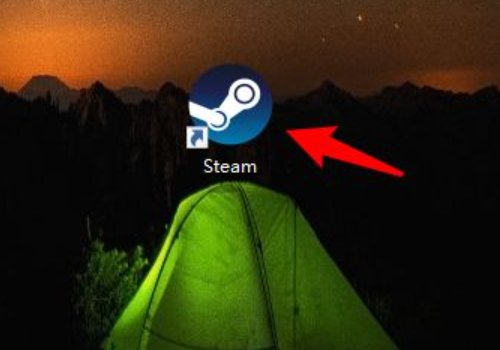
1、电脑下载并安装steam,启动客户端。
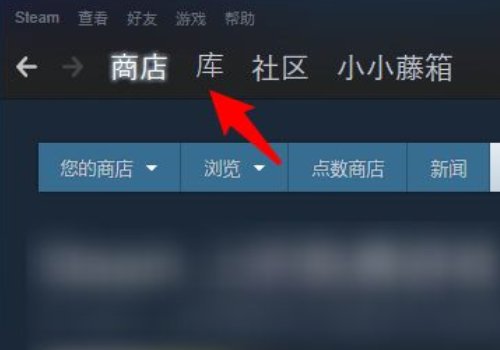
2、steam是一定要登录的,点击“库”。
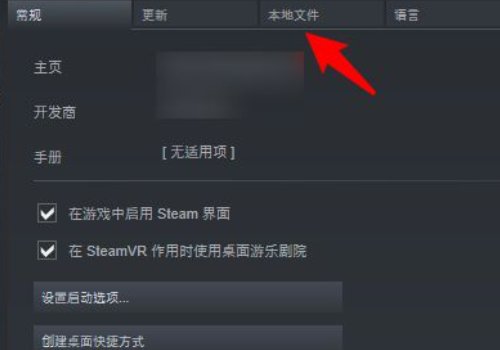
3、在steam游戏库里查询自己购买的游戏,随便右击一款查看属性,列表中点击“本地文件”。
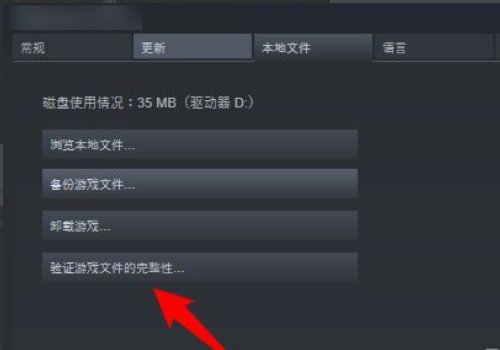
4、最后点击验证游戏完成度,系统会自动开始扫描。